Chat
Cmd + L opens AI Chat; k and kaku chat continue the same store.
macOS terminal for AI coding
An AI-era macOS terminal, built on WezTerm and ready out of the box.
Dark and light modes support the same AI-first terminal workflow.
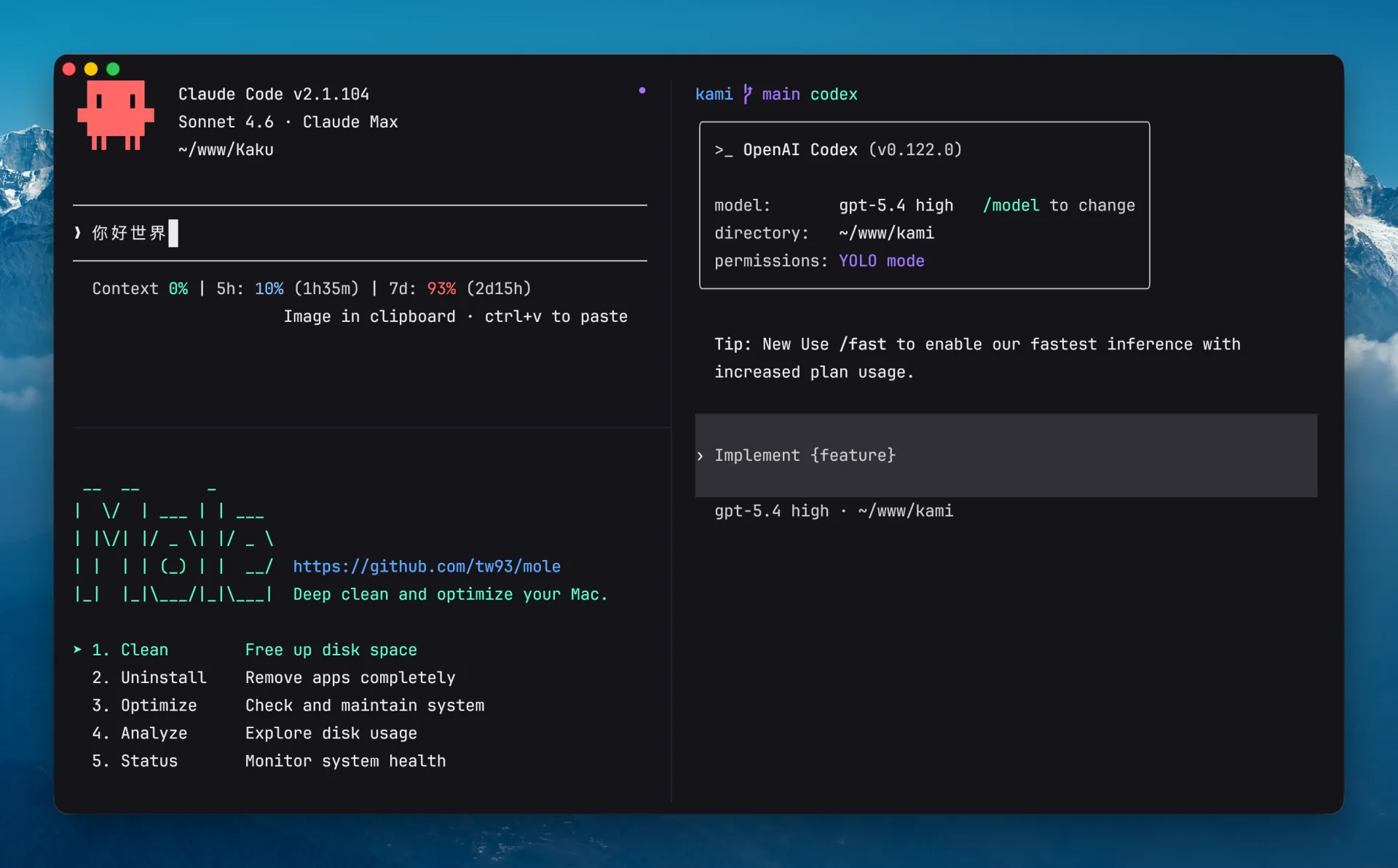
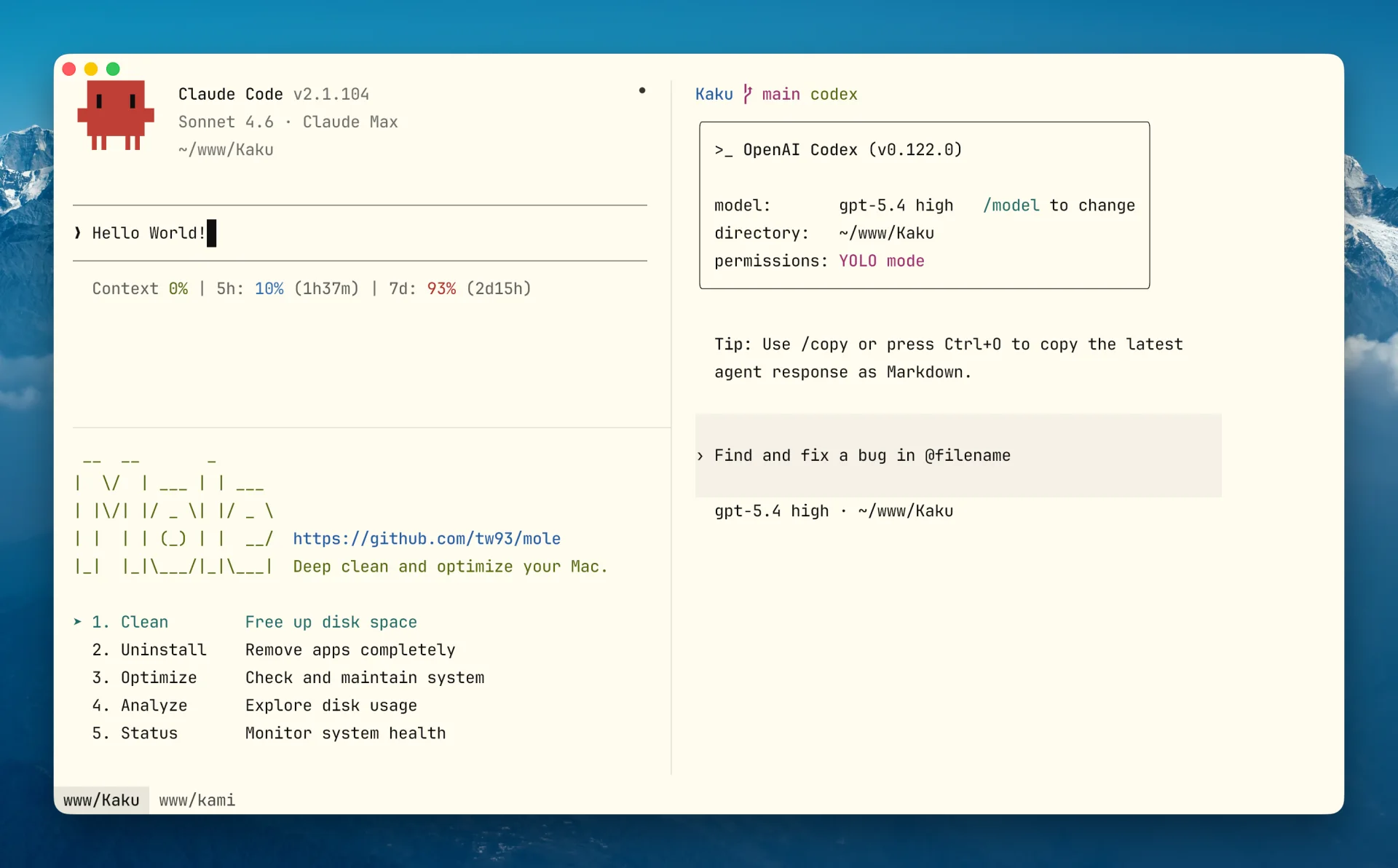
Kaku suggests a fix for review. Press Cmd + Shift + E to paste it back; dangerous commands are not auto-run.
~/proj $ npm run buidl
npm ERR! Missing script: "buidl"
npm run build? Press ⌘⇧E to apply.~/proj $ npm run build ok
Type # plus a request. Kaku drafts the command, you confirm it.
Fonts, colors, shell tools, AI entry points, and WezTerm config are already arranged.
Cmd + L opens context, tools, and Simple/Deep models.02Command fixesUses exit code, cwd, and git branch. Suggestions return to the prompt.03Natural languageType # plus a request. Review before running.04Shell suiteLazygit, Yazi, Remote Files, z, completion, and highlighting.05WezTerm configBundled defaults, then ~/.config/kaku/kaku.lua.06macOS workflowSnapshots, cwd inheritance, selection wheel, Option keys, notifications.Only the daily paths stay here.
Cmd + L opens AI Chat; k and kaku chat continue the same store.
Cmd + Shift + G for Lazygit, Cmd + Shift + Y for Yazi, Cmd + Shift + R for remote files.
kaku doctor checks the bundle, PATH, shell integration, and optional tools.
I live in the terminal. Before Kaku, I shipped Pake, Mole, and Kami. Kaku is my answer to "the terminal for the AI coding era": keep WezTerm's reliability, then arrange the defaults, shell tools, and AI assistant into one quiet macOS app.
Tw93 · @HiTw93
brew install tw93/tap/kakuku. There is an unrelated kaku package on Homebrew, so the tap avoids the wrong install.