Chat
Cmd + L opens AI Chat; k and kaku chat continue the same store.
macOS terminal for AI coding
An AI-era macOS terminal, built on WezTerm and ready out of the box.
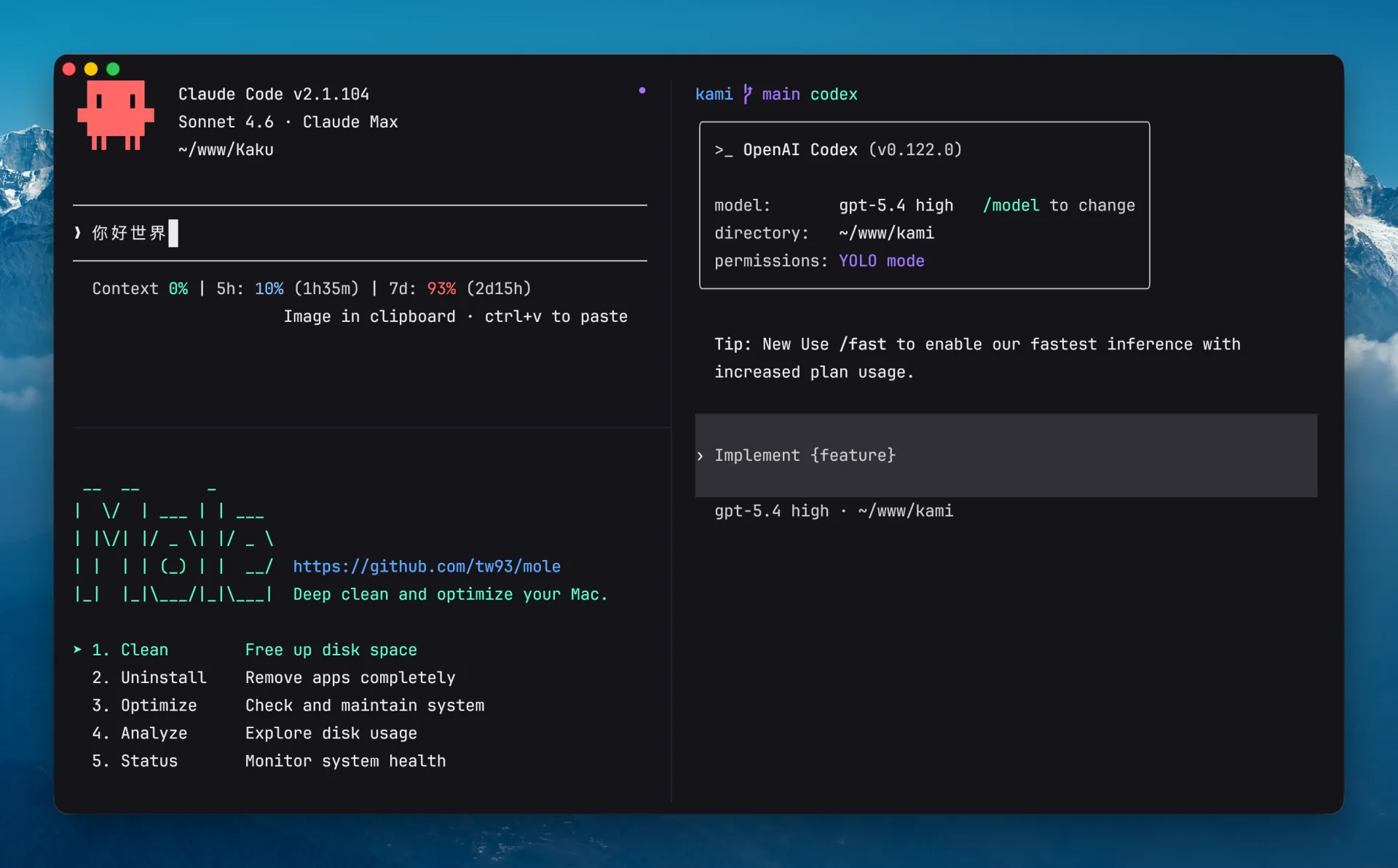
AI Chat, command fixes, shell tools, and Lua config in one quiet terminal.
Read the docsKaku suggests a fix for review. Press Cmd + Shift + E to paste it back; dangerous commands are not auto-run.
~/proj $ npm run buidl
npm ERR! Missing script: "buidl"
npm run build? Press ⌘⇧E to apply.~/proj $ npm run build ok
Fonts, colors, shell tools, AI entry points, and WezTerm config are already arranged.
Cmd + L opens context, tools, and Simple/Deep models.02Command fixesUses exit code, cwd, and git branch. Suggestions return to the prompt.03Natural languageType # plus a request. Review before running.04Shell suiteLazygit, Yazi, Remote Files, z, completion, and highlighting.05WezTerm configBundled defaults, then ~/.config/kaku/kaku.lua.06macOS workflowSnapshots, cwd inheritance, selection wheel, Option keys, notifications.Type # plus a request. Kaku drafts the command, you confirm it.
Only the daily paths stay here.
Cmd + L opens AI Chat; k and kaku chat continue the same store.
Cmd + Shift + G for Lazygit, Cmd + Shift + Y for Yazi, Cmd + Shift + R for remote files.
kaku doctor checks the bundle, PATH, shell integration, and optional tools.
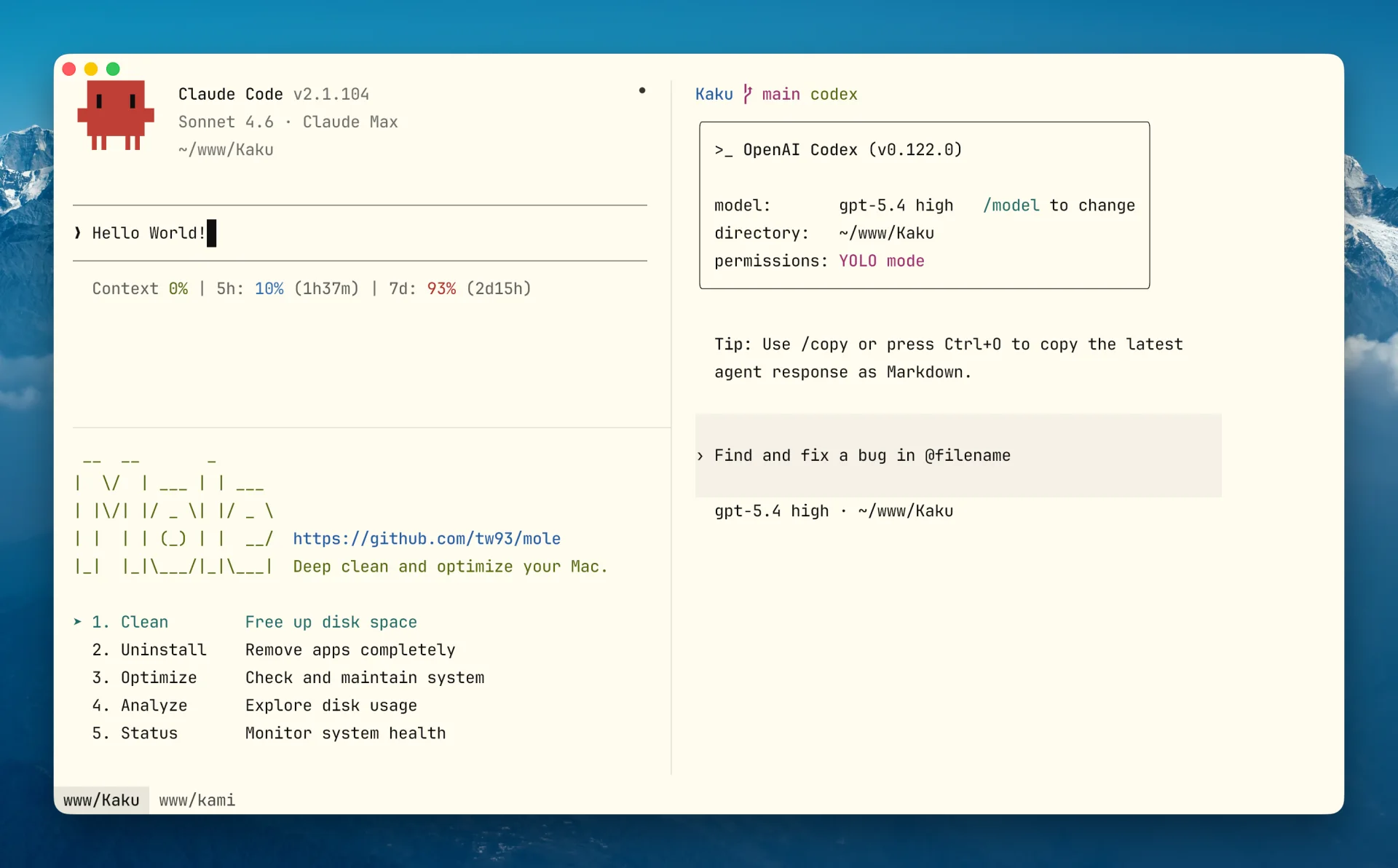
The first screen should show what Kaku actually looks like. Dark and light modes support the same AI-first terminal workflow.
brew install tw93/tap/kakuku
open -a Kaku
kaku doctor
# or get the DMG from GitHub Releases